



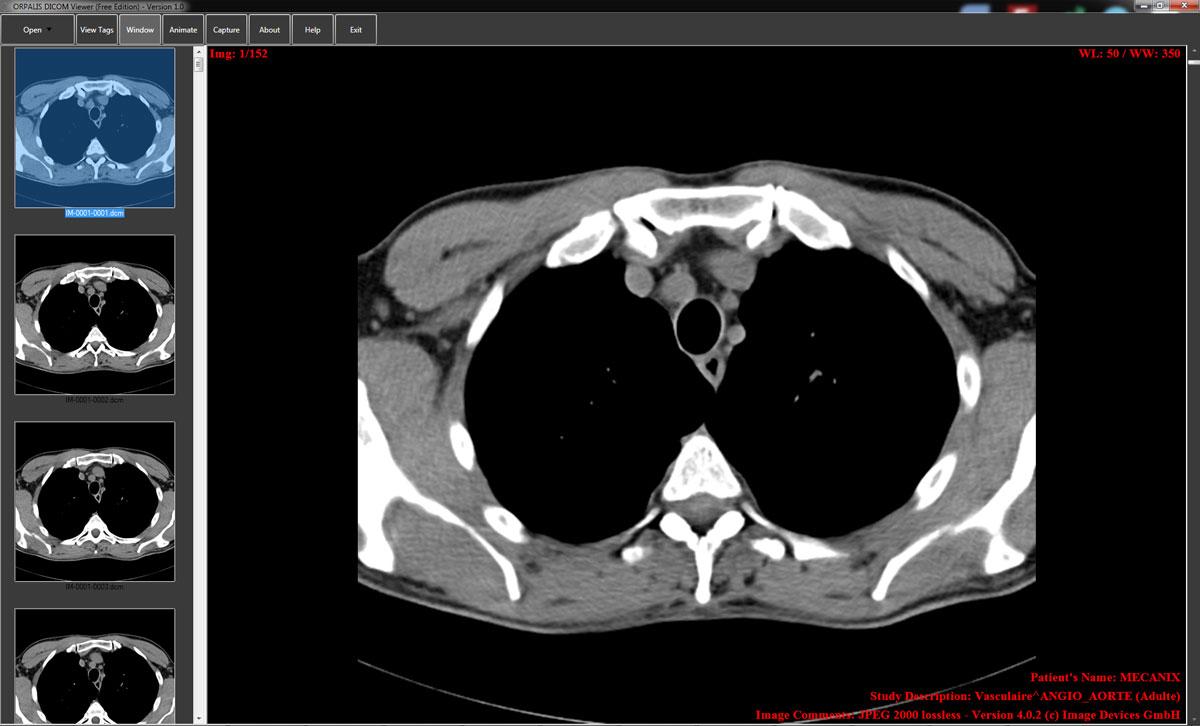
Every year, hospitals make diagnostic decisions based on what shows up on a screen.
If the tool displaying those images hasn’t been properly vetted, you’re not just risking a bad workflow — you’re risking patient safety and legal exposure.
Before your facility puts any trust in a web-based DICOM viewer for legal or diagnostic use, here’s what you actually need to check.
Does It Have FDA Clearance for Diagnostic Use?
Yes — without FDA 510(k) clearance or the equivalent CE Class IIa certification in Europe, a viewer is not legally cleared for making clinical decisions.
If you’re using a viewer to make medical decisions, the software must carry FDA 510(k) clearance in the US or CE Class IIa certification in Europe. Without this, your practice faces significant liability.
Viewers without these certifications are strictly limited to research, education, or patient reference — nothing diagnostic.
This matters more than most hospitals realize. A viewer that looks professional and loads images cleanly may still carry zero regulatory standing.
Before deploying any platform, ask the vendor directly for their clearance documentation and verify it through the FDA’s CDRH database.
It’s also worth noting that DICOM viewers are generally classified as Class II devices under FDA regulations, which means they must meet specific performance and safety standards before clinical use.
How Does It Handle HIPAA Compliance?
A viewer must meet HIPAA’s full security requirements — not just have a compliance badge on its website.
HIPAA compliance for DICOM viewers encompasses confidentiality, integrity, and availability of patient medical records and images.
The law mandates that any system handling patient information must have physical, network, and process security measures to protect against unauthorized access or breaches.
In practical terms, that means looking for:
- End-to-end data encryption (both at rest and in transit)
- Secure user authentication, ideally with multi-factor authentication
- Role-based access controls so only authorized staff see specific studies
- Regular software updates to patch known vulnerabilities
HIPAA-compliant strategies must be integrated into the viewing, managing, and storing of protected health information (PHI) from the ground up.
If a vendor can’t show you their Business Associate Agreement (BAA) and security architecture documentation, that’s a red flag.
What Encryption Standards Does It Use?
The viewer should use TLS 1.2 or higher for data in transit and AES-256 encryption for data at rest — anything less is inadequate for clinical environments.
In transit, TLS 1.2 or TLS 1.3 with strong cipher suites should be enforced between trusted nodes.
At rest, AES-256 encryption for PACS and VNA storage, databases, and backups should be standard, with keys residing in hardened key management systems.
This isn’t optional. When sending DICOM objects via web services, DICOM defines how to use encrypted HTTPS connections — but whether to employ encryption is ultimately a policy choice for the health facility and an implementation choice for the product vendor. That means you need to ask, not assume.
Does It Maintain Proper Audit Trails?
Yes — every access, view, and modification of a medical image must be logged and traceable to protect you legally.
Audit trails track every action taken on medical data, including who accessed it, when it was accessed, and what changes, if any, were made.
This level of detail is invaluable in legal proceedings and medical reviews, as it provides a transparent and indisputable record of data handling.
Detailed audit trails record every access to and action taken on an image, including who viewed it and any adjustments to the viewing parameters.
This level of traceability is crucial in legal contexts, where the integrity of image data must be beyond reproach to serve as valid evidence.
If a viewer doesn’t log user activity comprehensively, you have no defensible chain of custody if a case ever reaches litigation.
Audit trails should capture authentication events, queries, retrievals, exports, and configuration changes, and forward them to a central log platform for retention and alerting.
Can You Trust the Image Integrity?
Image data must remain unaltered from acquisition to diagnosis — any corruption or manipulation creates both clinical risk and legal exposure.
Data integrity is foundational to modern medicine, especially in medical imaging. Any alteration or corruption of data can lead to misdiagnosis, improper treatment, and significant legal repercussions.
Beyond encryption, the viewer needs to verify that images haven’t been tampered with in transit. Look for checksum validation, immutable storage options, and digital signing where available.
Integrity should be protected with checksums and signed artifacts where feasible, with the ability to detect tampering in storage and transit.
DICOM’s standardized format plays a significant role in ensuring that images produced and maintained within its framework meet the high standards expected by courts for scientific evidence.
DICOM compliance helps establish that the images are what they purport to be and have not been inappropriately altered since their creation.

How Does It Perform Under Real Clinical Conditions?
Performance under actual hospital conditions — not just in demo environments — determines whether the viewer is safe to use for diagnosis.
A comprehensive evaluation of web-based DICOM viewers should emphasize performance in different rendering scenarios, browsers, and operating systems.
Browser choice matters significantly: some browsers perform much better than others, and hardware also plays a key role in rendering tasks.
Slow load times, dropped frames, or rendering errors in 3D reconstructions aren’t just inconveniences — they can directly affect diagnostic accuracy. Before committing to any platform, run it in your actual environment, with your actual hardware, on the browsers your radiologists use.
It’s also worth noting that DICOM viewer vulnerabilities are real and actively tracked — CISA has issued advisories for critical vulnerabilities in DICOM viewing software with CVSS scores as high as 8.8. Vendors should have a clear, documented patch cycle.
FAQs
Can a free web-based DICOM viewer be used for diagnostic purposes?
Viewers without FDA 510(k) clearance or CE Class IIa certification are strictly for research, education, or patient reference — not for making clinical or diagnostic decisions. Always confirm regulatory status before clinical use.
What is a BAA, and why does a hospital need one?
A Business Associate Agreement is a legally required contract under HIPAA between a healthcare provider and any vendor handling protected health information. Without a signed BAA, using a viewer that processes patient images puts your hospital in direct violation of federal law.
How often should a hospital audit the security of its DICOM viewer?
Healthcare organizations should review their DICOM security measures at least annually, or whenever significant changes occur in their IT infrastructure or regulatory requirements.
Does browser choice affect diagnostic quality?
Yes. Some browsers perform significantly better than others in DICOM rendering scenarios, particularly for 2D and 3D image processing. Your IT team should test and standardize the browser environment for all diagnostic workstations.
What happens if a hospital uses a non-cleared viewer for diagnosis?
You expose your facility to significant legal liability. If a misdiagnosis occurs and it can be traced to an uncertified tool, neither the software vendor nor your insurer may cover you. The clinical and legal risk falls directly on the institution.

